
For Rust server owners
Run your server like you can see everything. From one tab.
The one tool your Rust server needs: gameplay mods, moderation, wipes, maps and Discord — one plugin, one tab, and your players get a message before their base decays.
No card. Keep the same token when you subscribe.
Mods, moderation, wipes, maps and Discord. One plugin, one tab.
Gameplay mods
Every mod you would have hunted for. One switch each.
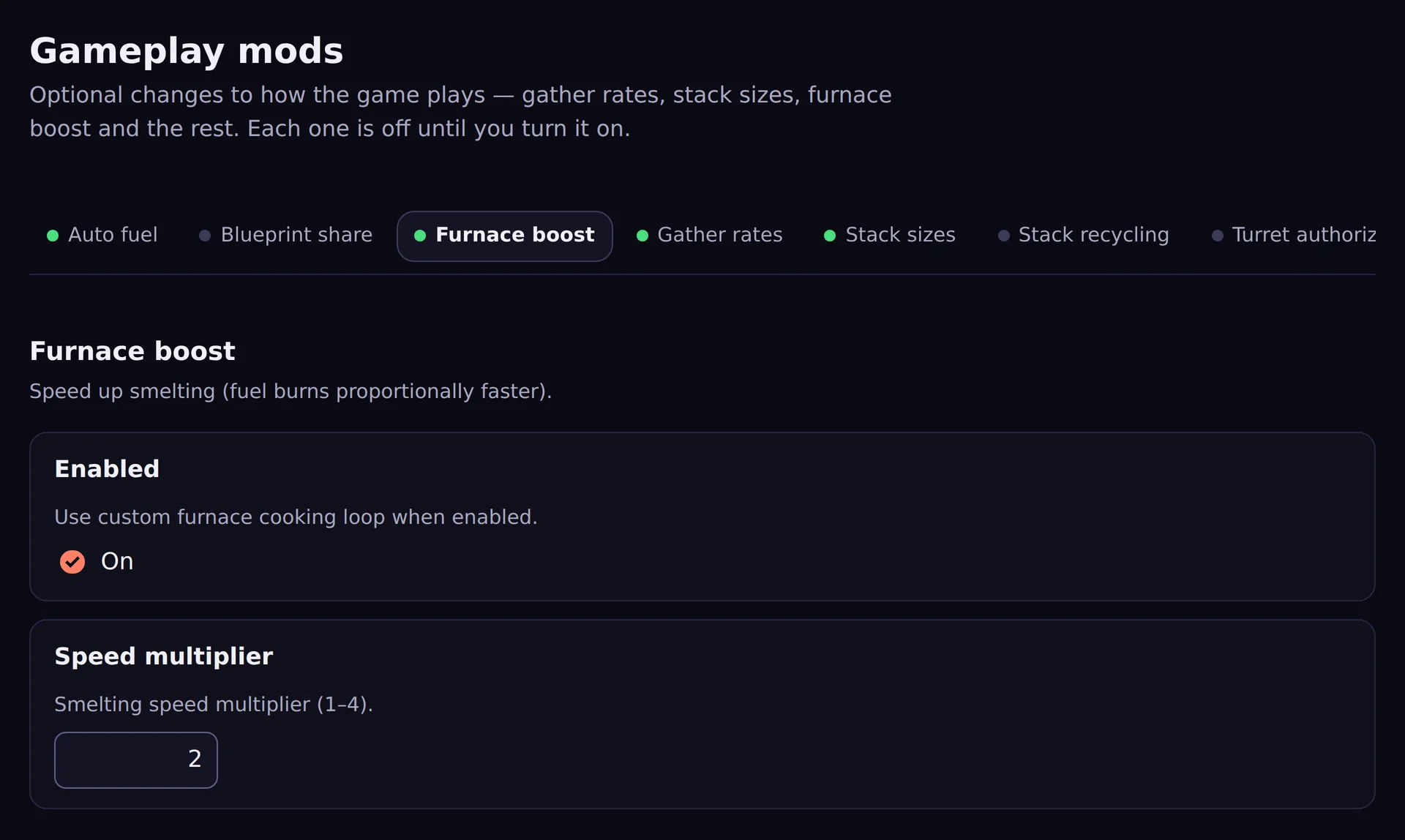
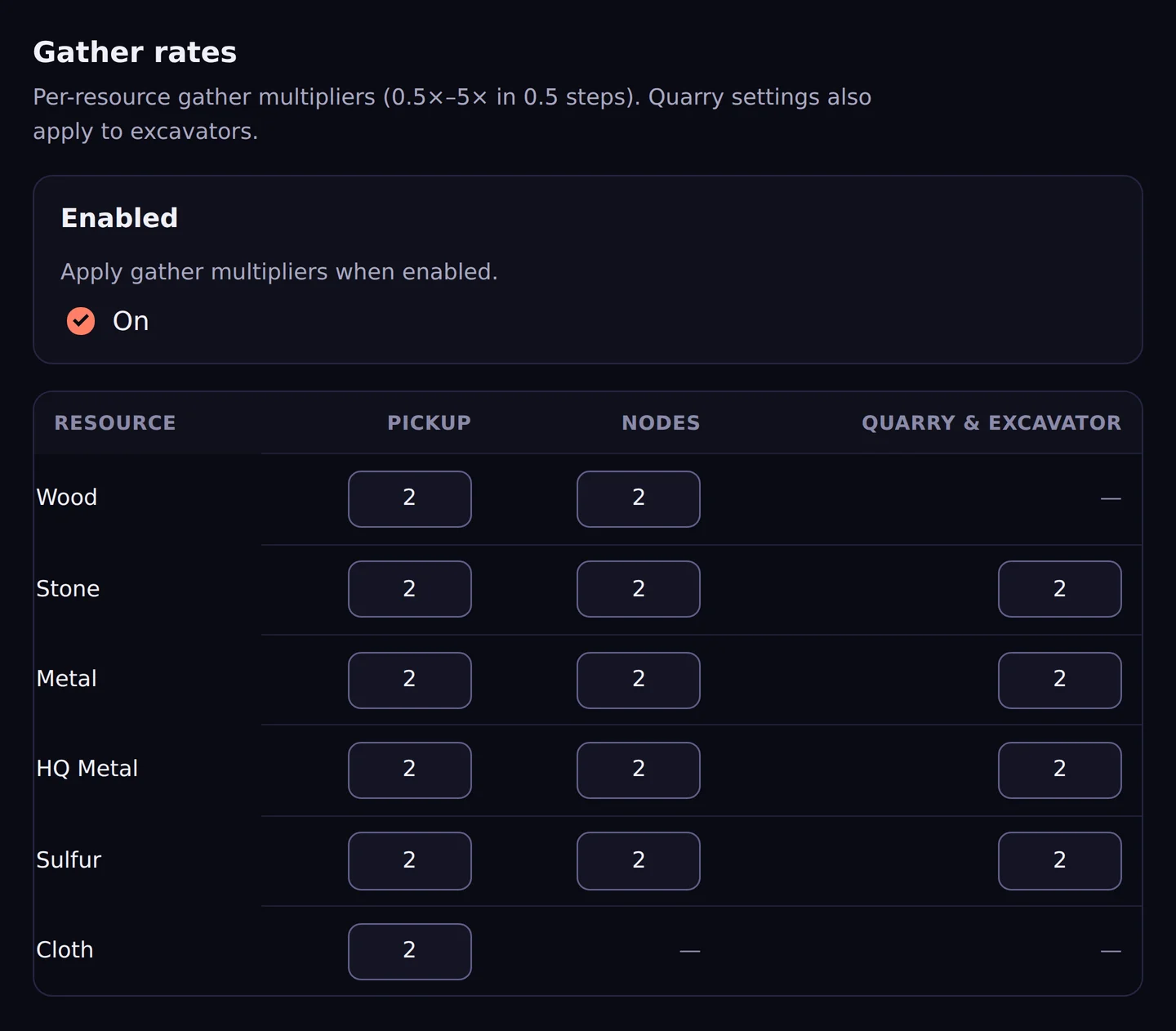
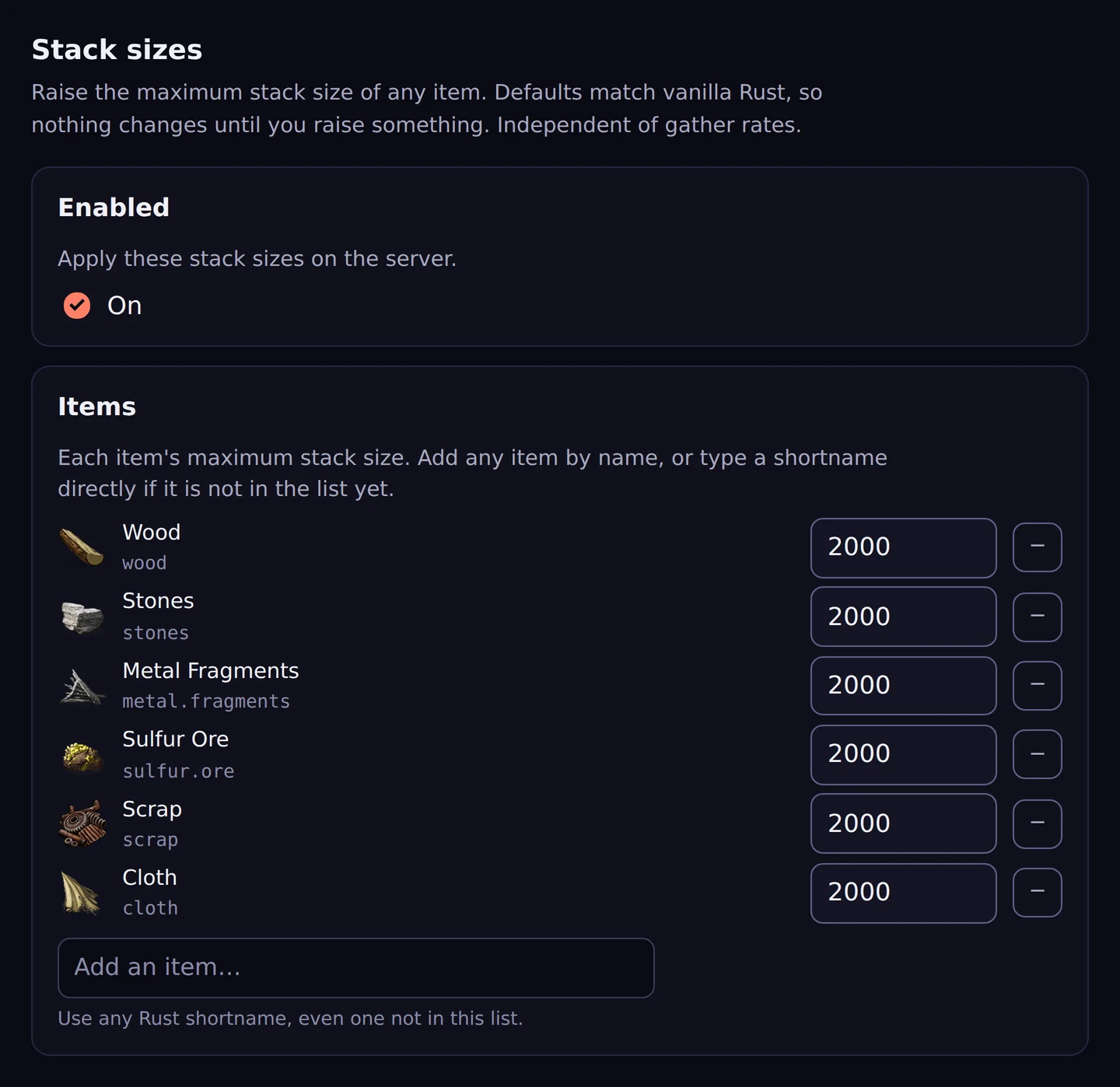
Gather rates per resource and per method, any item’s stack size, furnace boost, auto fuel, shared blueprints, turret and SAM auth that follow the cupboard, a sort button and VIP perks — built to work together, in one place, with no plugins to hunt down and no conflicts to debug.
Every one is off until you switch it on.
Run it
Restart without the rollback.
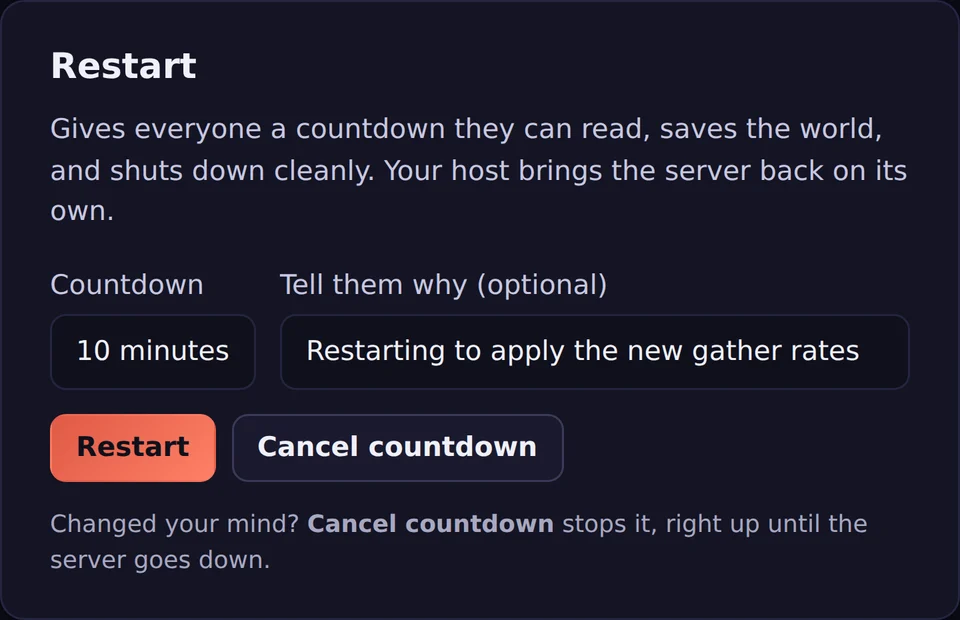
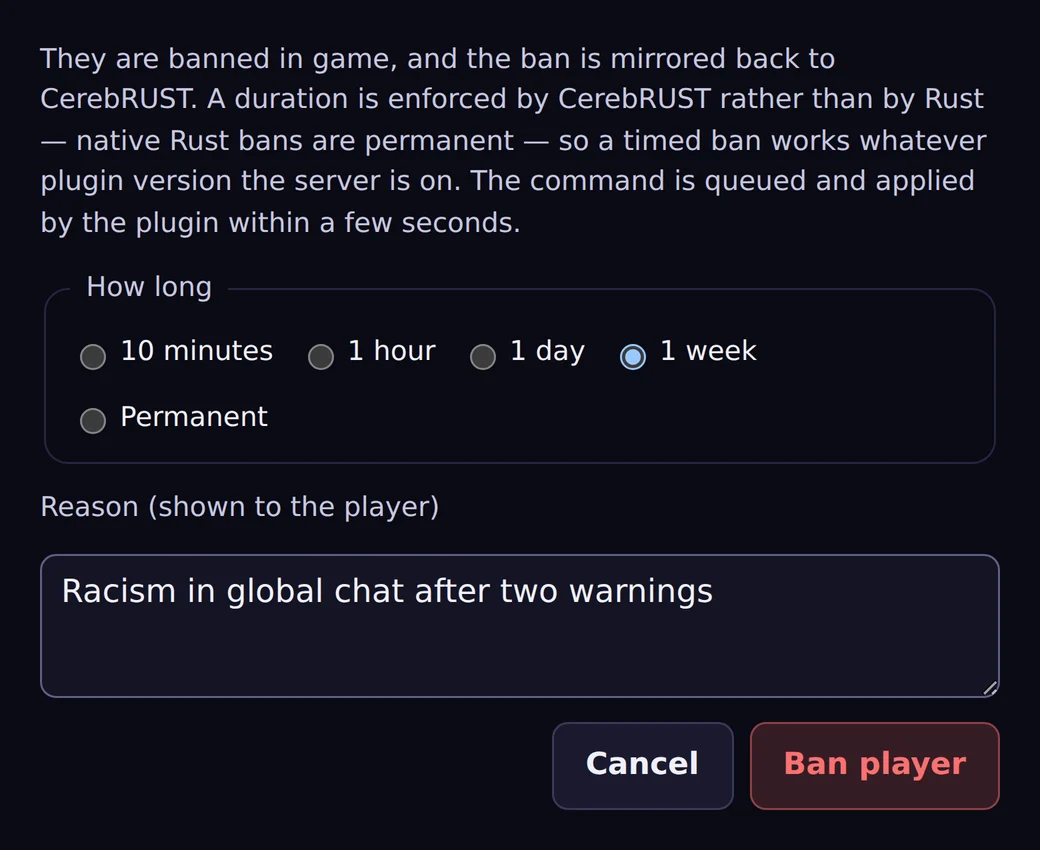
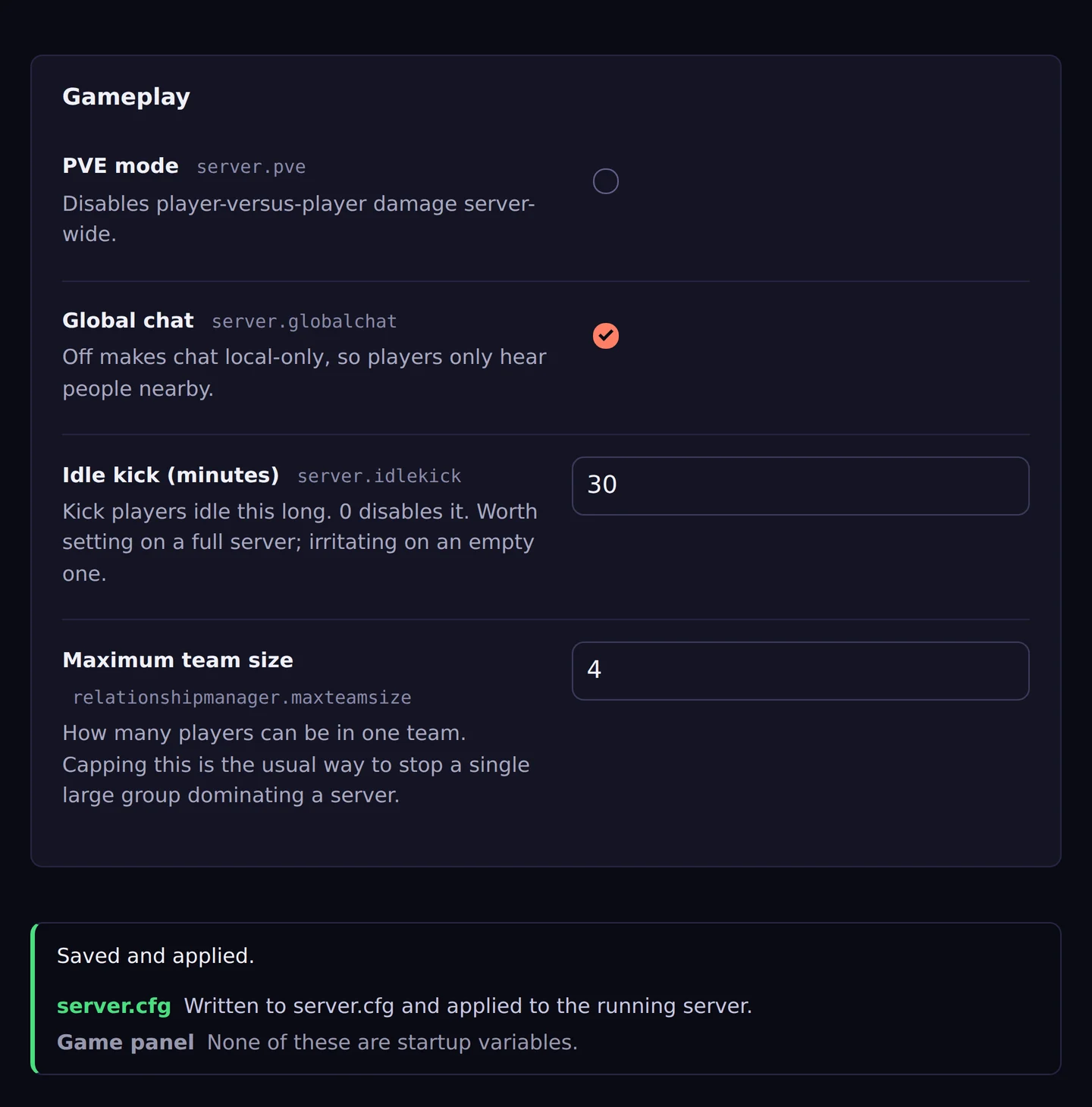
Rust’s own restart with a countdown your players can see, so nobody loses a base to a panel kill. Kick, ban, mute and warn from the same tab, and edit server.cfg without opening an FTP client — saved to the file, your panel and the running server.
Automate
Set it once. It runs at 3am without you.
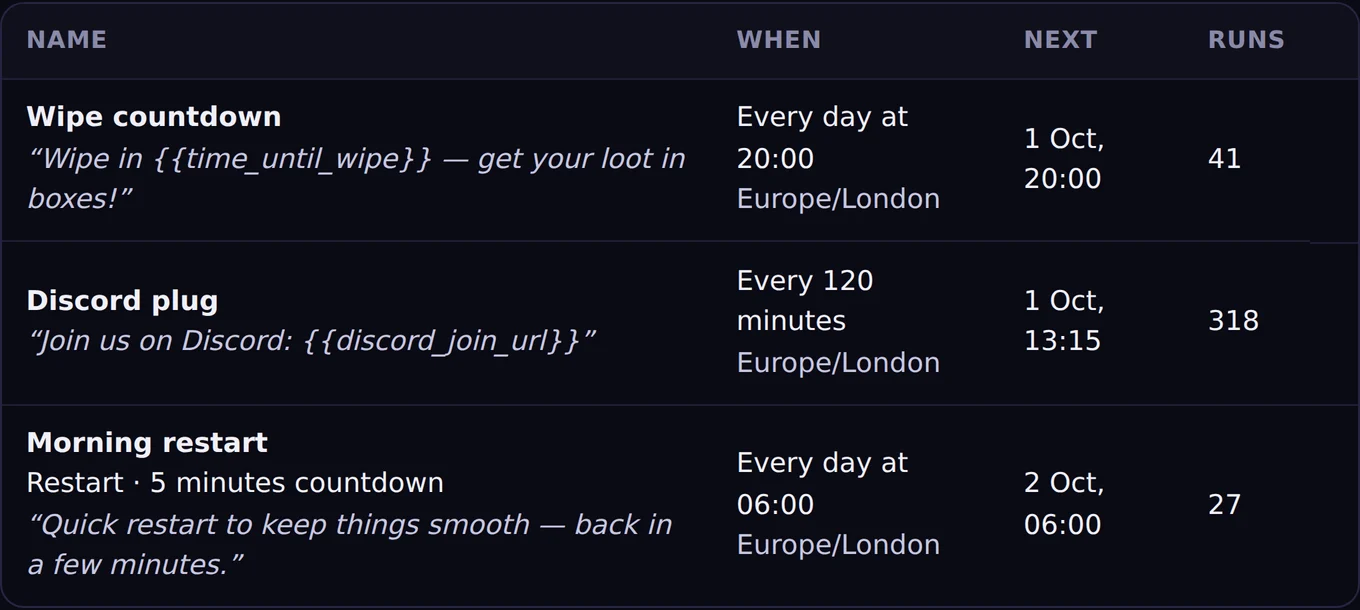
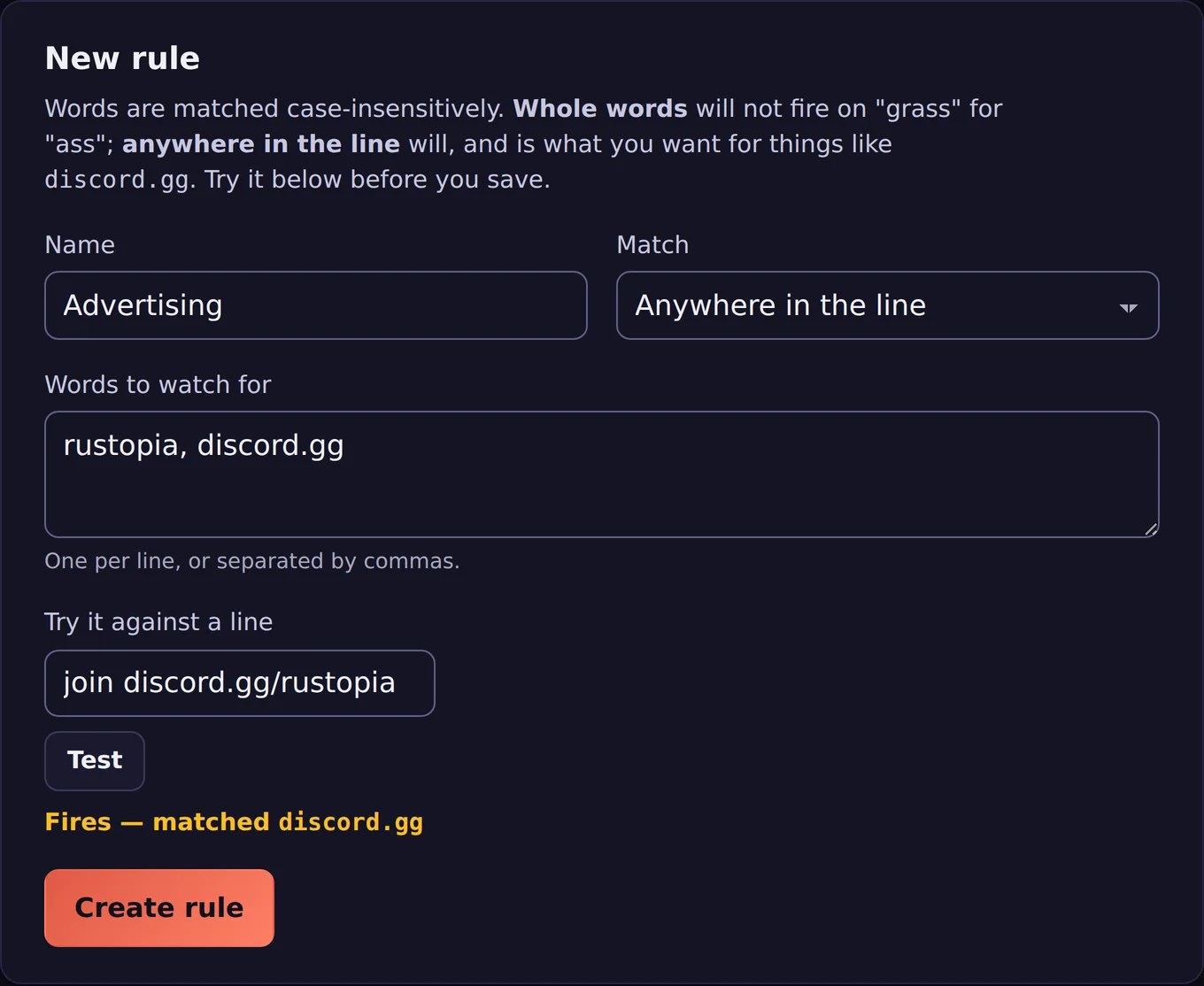
Scheduled broadcasts, restarts and commands in your server’s own timezone, and chat rules that catch a word before you do — with a live preview, so you know what they will match before they match it.
For your players
Their base messages them before it decays.
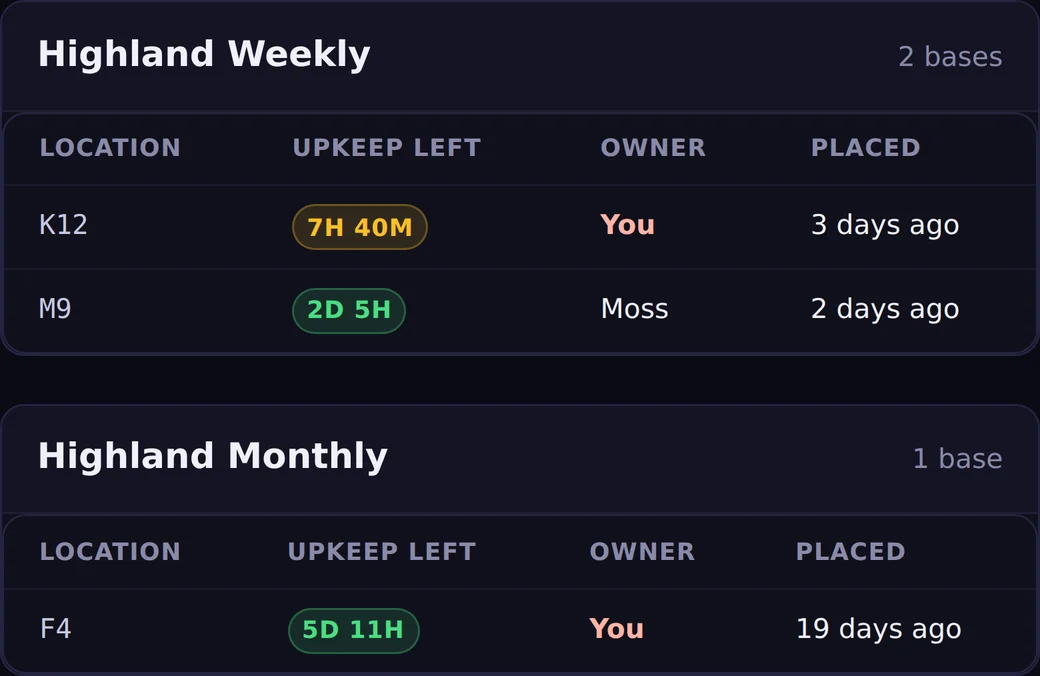
Players who link Discord get a message as their upkeep runs low, when they are raided and when their turret spots someone — and one page with every base they own or are authed on, across every server, sorted by which runs out first.
Wipe day
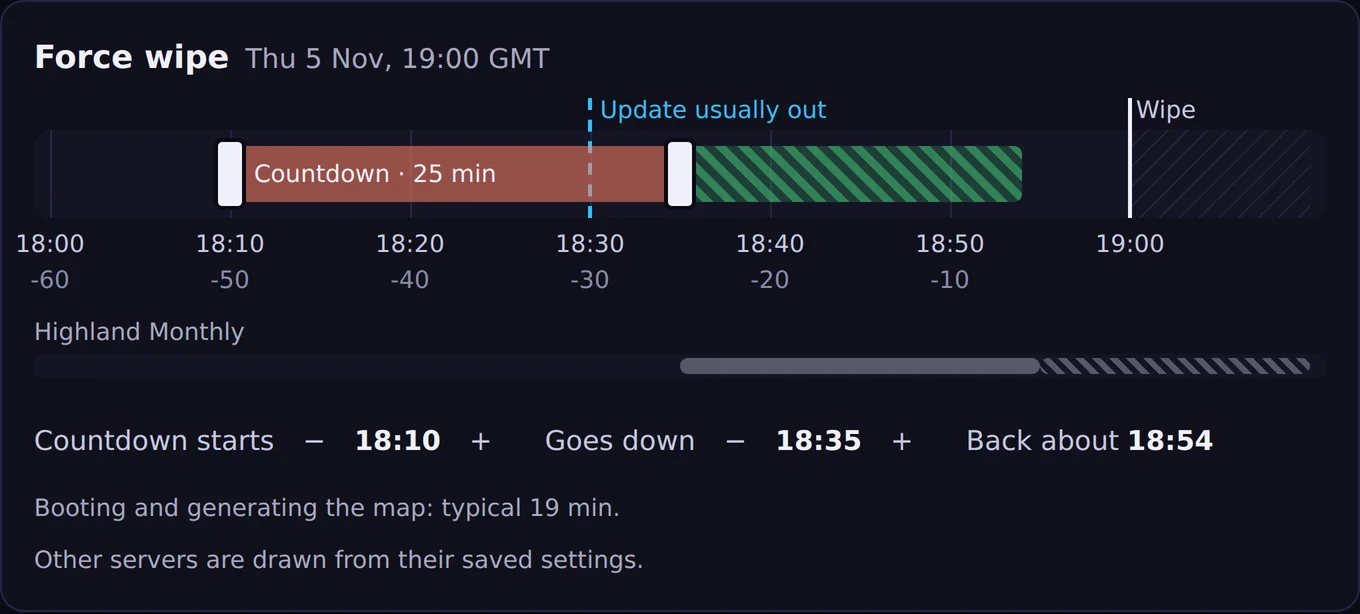
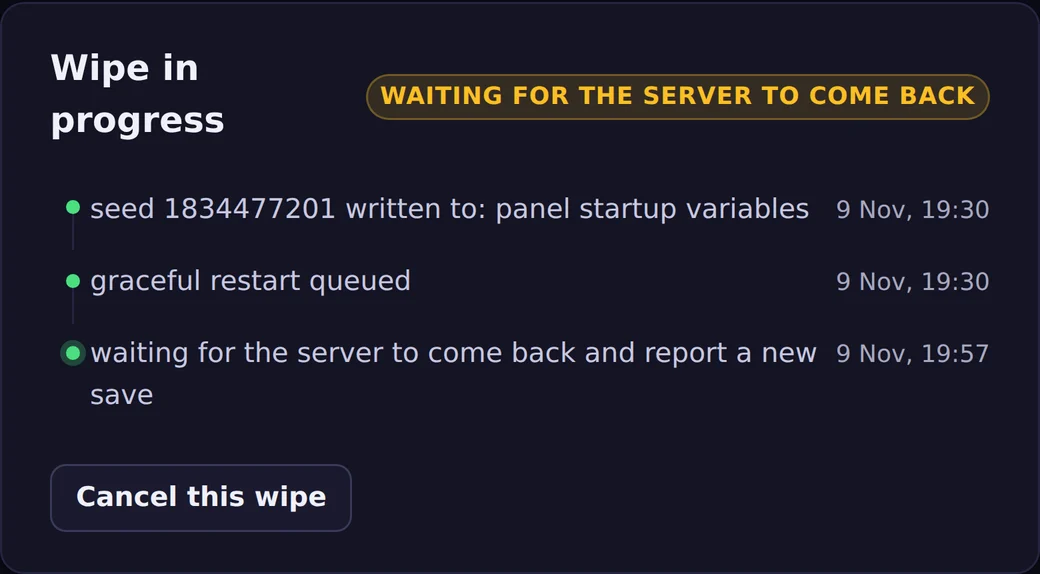
Your wipe time is when it's back up. Not when it goes down.
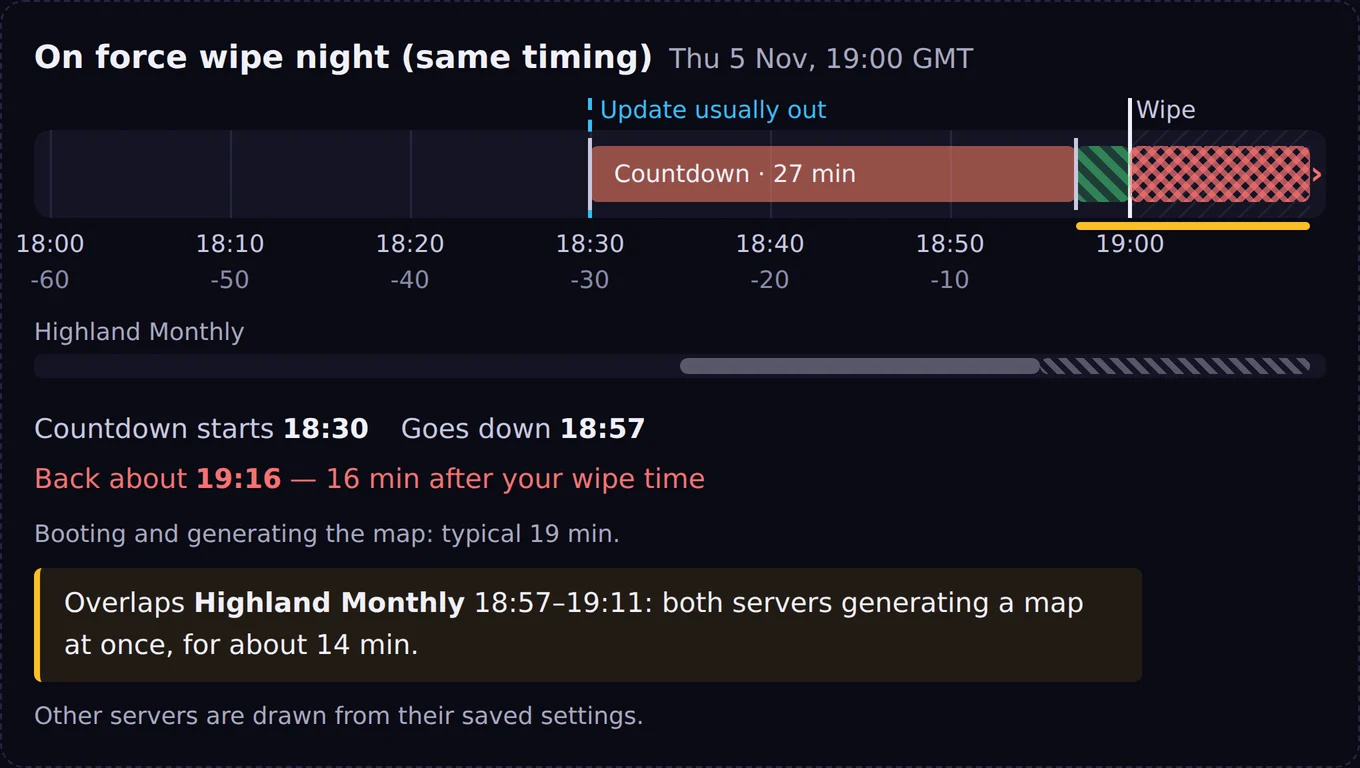
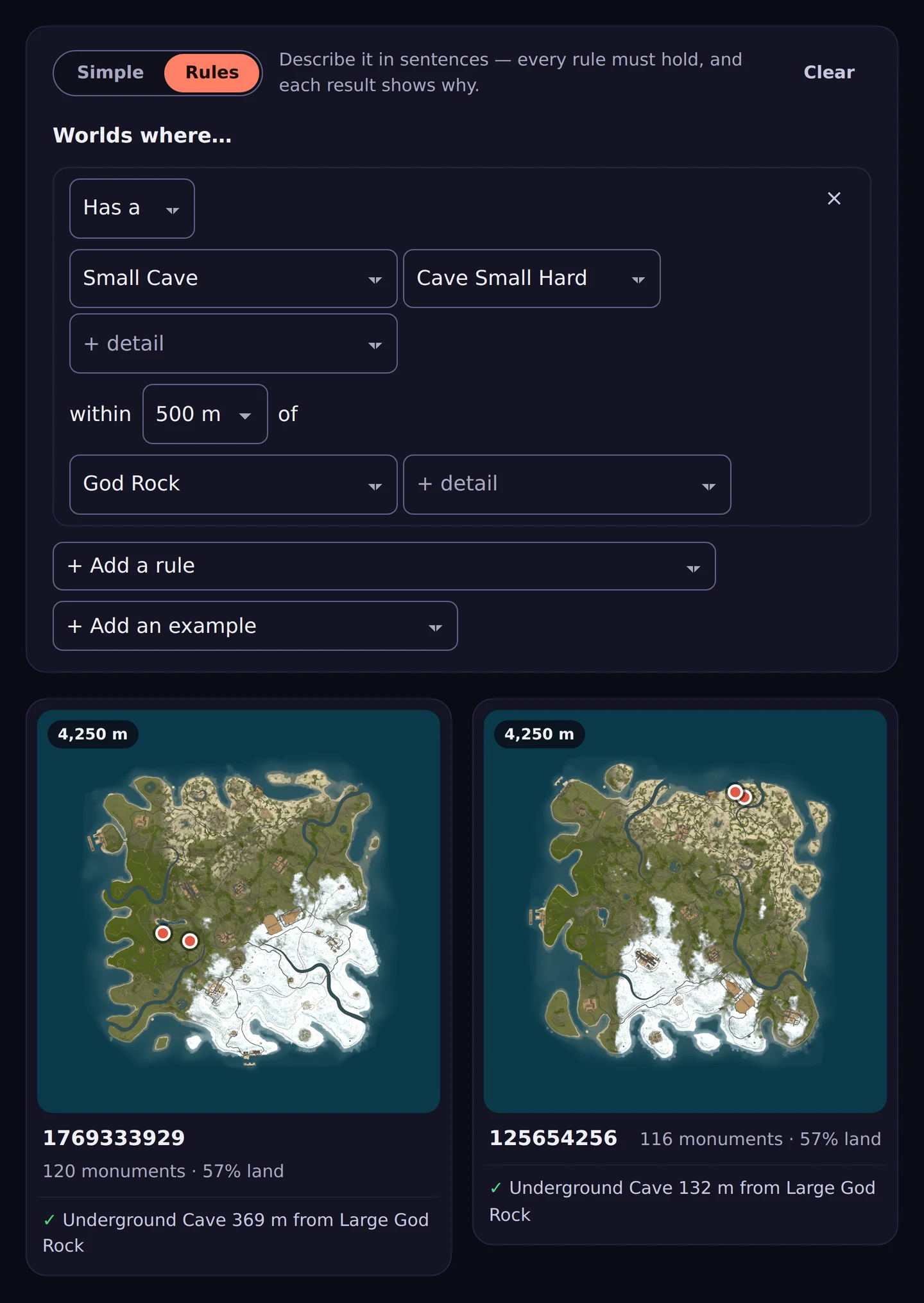
Set the moment your server comes back, not the moment it goes down - and see every other server on the same machine drawn underneath yours, so two force wipes never fight over one box. Pick next wipe's map by what is on it, and know whether its seed still makes that map after the force wipe. CerebRUST runs the wipe and only calls it done when your server reports the new map.
Needs SFTP or a game panel connected, because a plugin cannot change a map that exists.
Your team
Ban once. Banned everywhere you run.
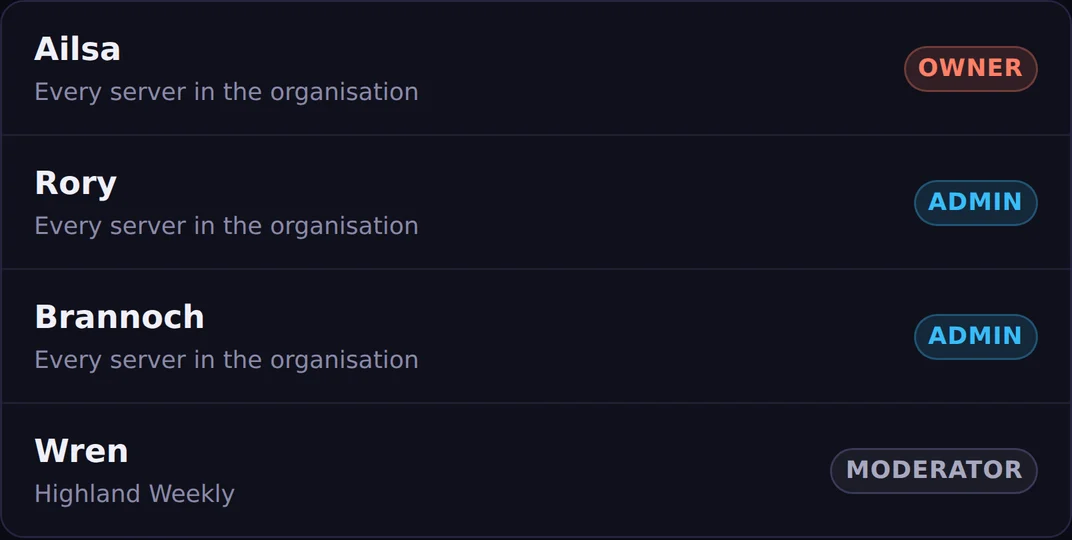
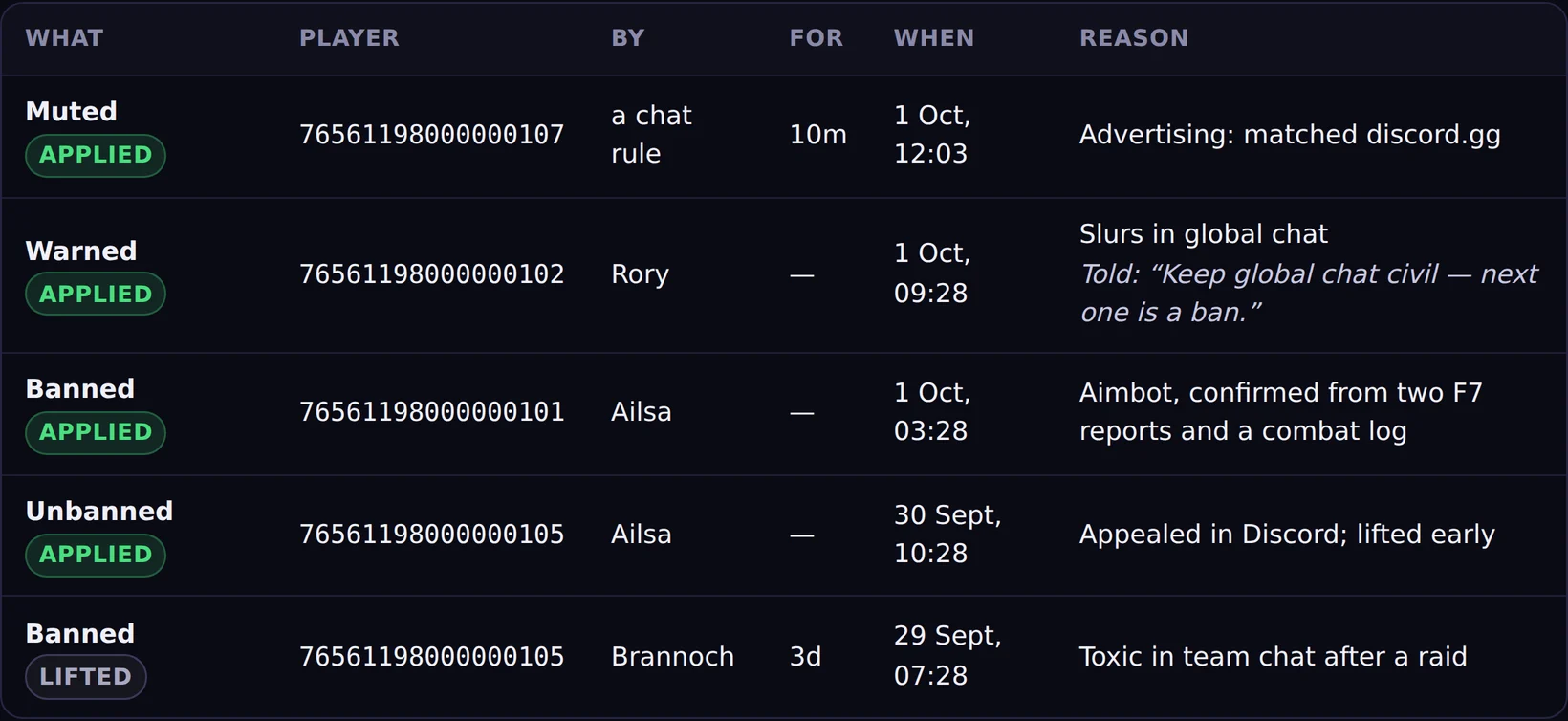
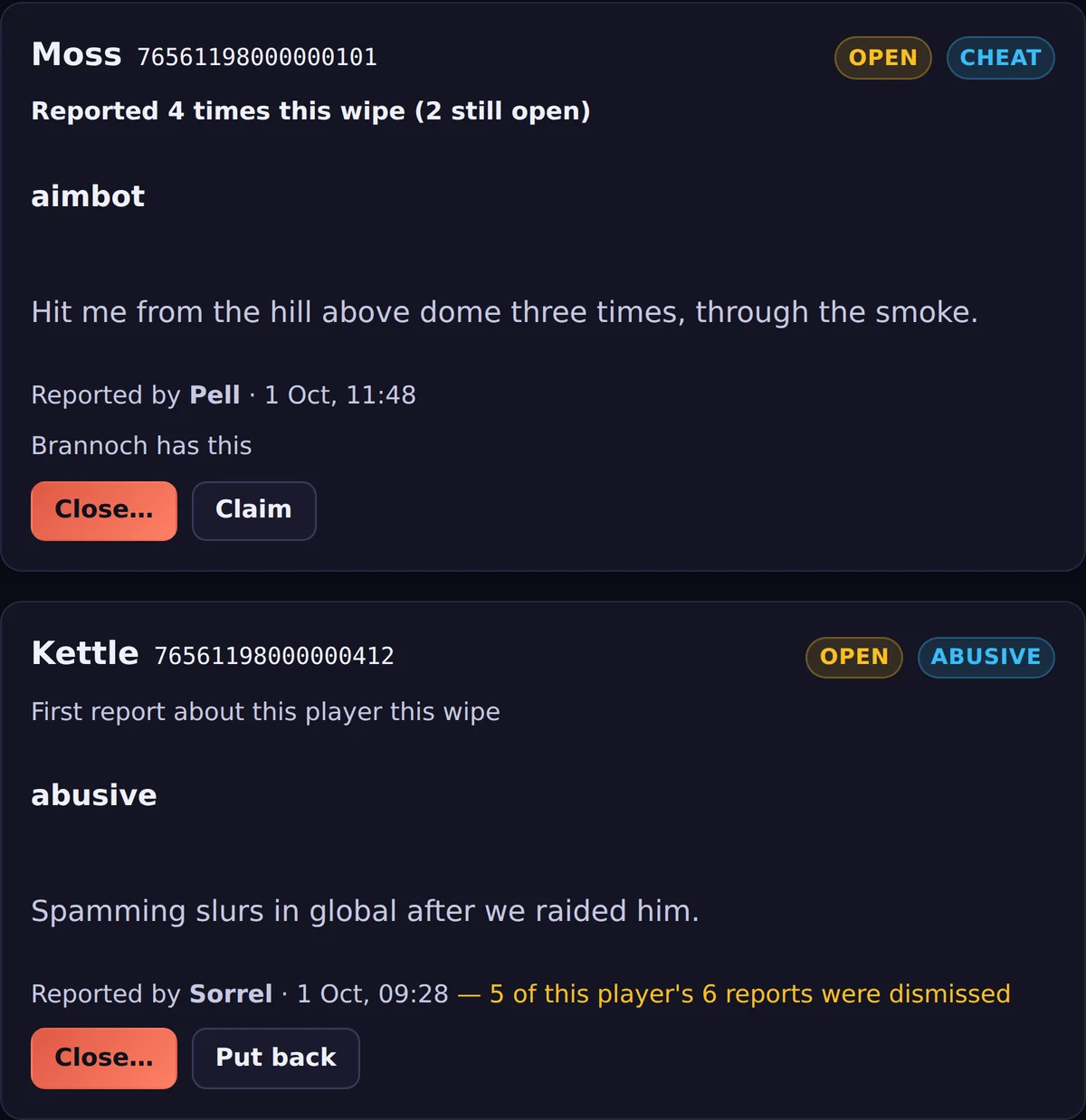
Owner, admin and moderator roles across all your servers — a moderator only gets the servers you give them. Every action lands in a log that says who did it, and F7 reports arrive as a queue rather than a channel nobody reads.
Your public page
Paste your link. It unfurls as your server.
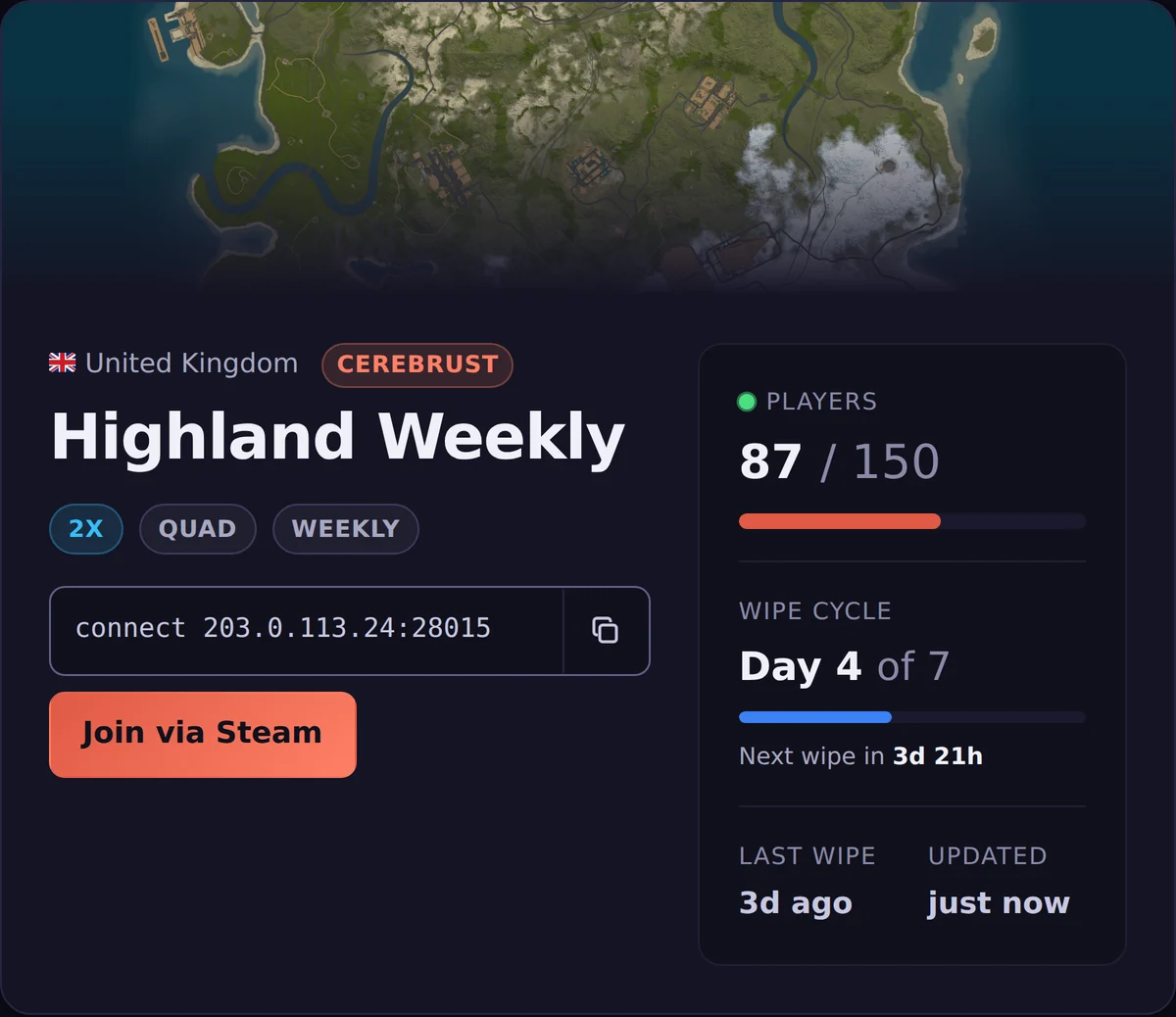
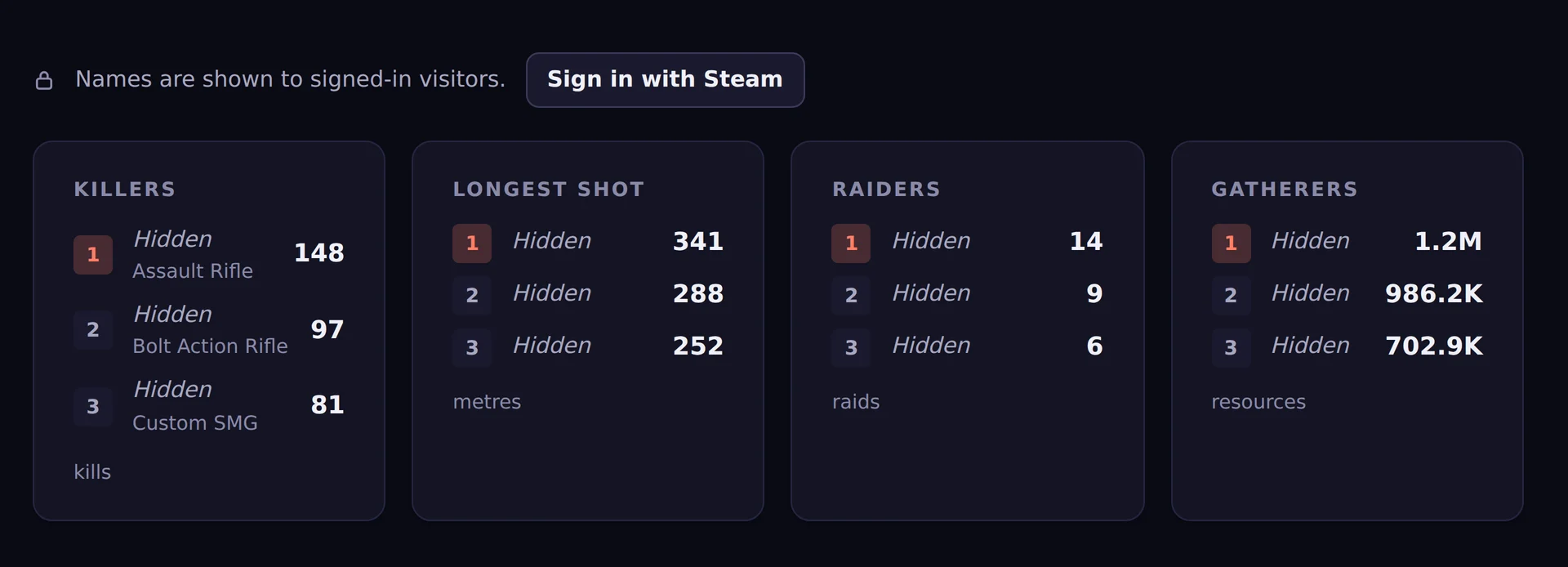
A page players want to visit: players online, the next wipe, this wipe’s map, a kill feed and the standouts. Paste it into Discord and it unfurls as your server. You decide who sees names.
For players
Already playing? You have a profile.
Sign in with Steam and CerebRUST already knows where you have been. Nothing to install.
- See what is wiping tonight, server by server
- Filter the directory to servers wiping tomorrow that have people on them
- One profile across every server you play
- Your bases and their upkeep, everywhere you are authed
And everything else
Every line is built and running today. Telemetry starts the moment the plugin loads; the gameplay changes are off until you switch them on.
Run
- A live map of your server
- Top up a cupboard’s upkeep from the map
- Graceful restarts with a countdown
- Power controls for your game panel
- Clear out old save files
- Messages and settings set once for every server
Mod
- Gather rates and stack sizes
- Furnace boost and auto fuel
- Shared blueprints for teams
- Turret and SAM auth that follow the cupboard
- VIP grants, perks and Discord roles
Moderate
- Timed bans that lift themselves
- Mute and warn in two clicks
- Notes and flags on a player’s record
- Bans made in game, carried to all your servers
- Public moderation totals, if you want them
- Clear an offending sign in game
Community
- Discord feeds and chat mirroring
- A live status embed, rewritten every minute
- Leaderboards for every wipe
- Player profiles across every server
- A public feed of every server wiping soon
For server owners
£6.99 per server, per month
After a 7-day free trial. No card to start, no tiers, no setup fee, and every feature on this page included. Cancel whenever you like.
- 1
Sign in, take a token
Sign in with Steam and start the trial. You get an ingest token to paste in.
- 2
Drop the plugin
Cerebrust.csintooxide/plugins, token in its config. On Pterodactyl, our egg does it for you. - 3
See your server
It appears in your dashboard within seconds, building its history from that moment.
Ready to see your server?
Try it free for 7 days. £6.99 a month per server after the trial.
Questions first? Join the CerebRUST Discord — that is where owners ask them, and where we answer.